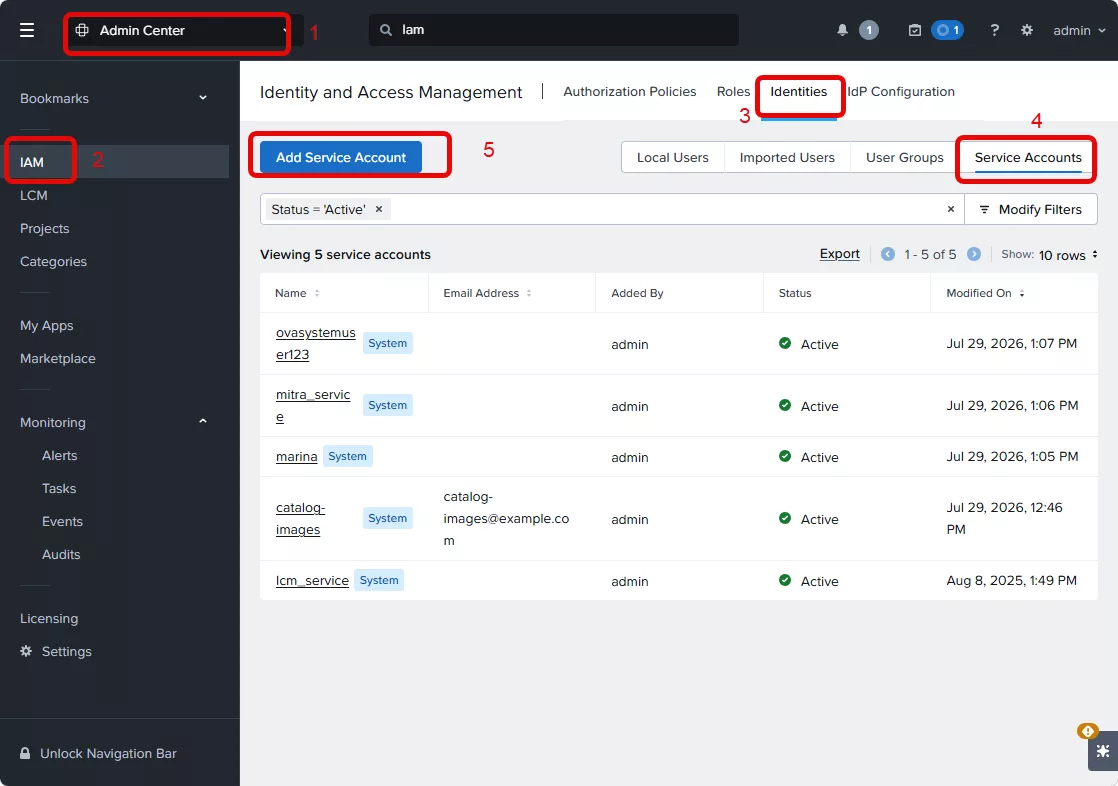
In this small quick blogpost I will show you how-to create an API Key to using against Prism Central. Login into Prism Central and navigate to Admin Center –> IAM –> Identities –> Service Accounts –> Add Service Account
Now fill in all required information:
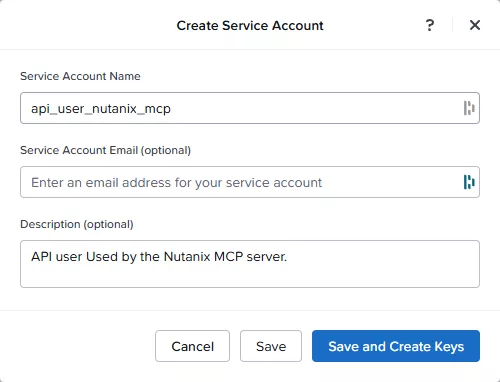
Make sure you create a user which is easy to understand where it is used for. Don’t create a user which is used by multiple things. This will later help you when keys needs to be changed or even if the user needs to be deleted.
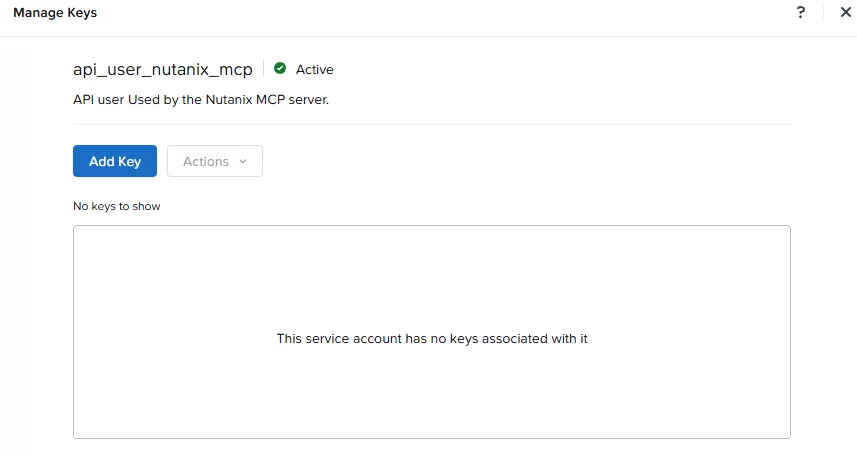
When all info in filled in click on the “Save and Create Keys” button. The following screen will popup, click on “Add Key”
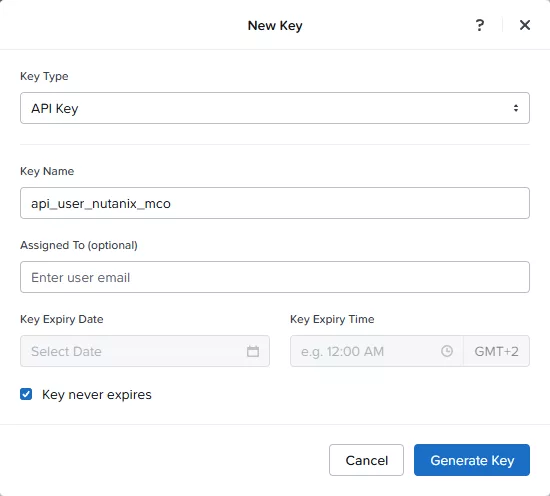
Now select “Api Key” as the Key Type and name your key. Set an expire date (in my case, this is a lab, so for me it will never expire ;)) and click “Generate Key”
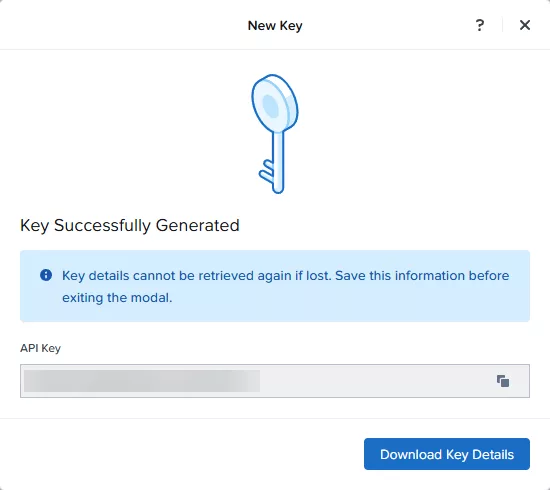
On the next screen copy the show API Key and click “Download Key Details”
When that is all done you need to create an authorization policy to allow the service account his access. That is not part of this post as that you probably already know 😉