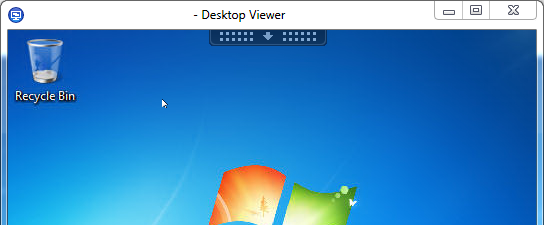
When installing the WebInterFace and updating the Citrix Receiver to the latest version. Users can use the nice cdviewer.exe instead of wfcrun32.exe. The cdviewer.exe has a bar at the top of the session window to simple change resolution/full screen/change preferences/etc etc.
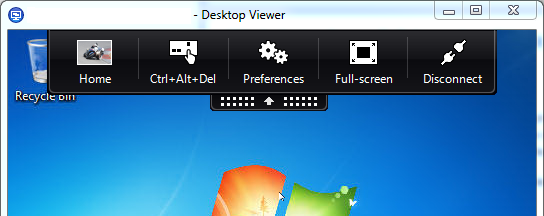
To use this nice feature within the new receiver (which is connected to the WebInterface). Edit the following file(Assuming Default Installation): C:\inetpub\wwwroot\Citrix\XenApp\conf\WebInterface.Conf
Search for: # ShowDesktopViewer=Off
Change to: ShowDesktopViewer=On
When using PNAgent. Change the same file in the PNAgent site.