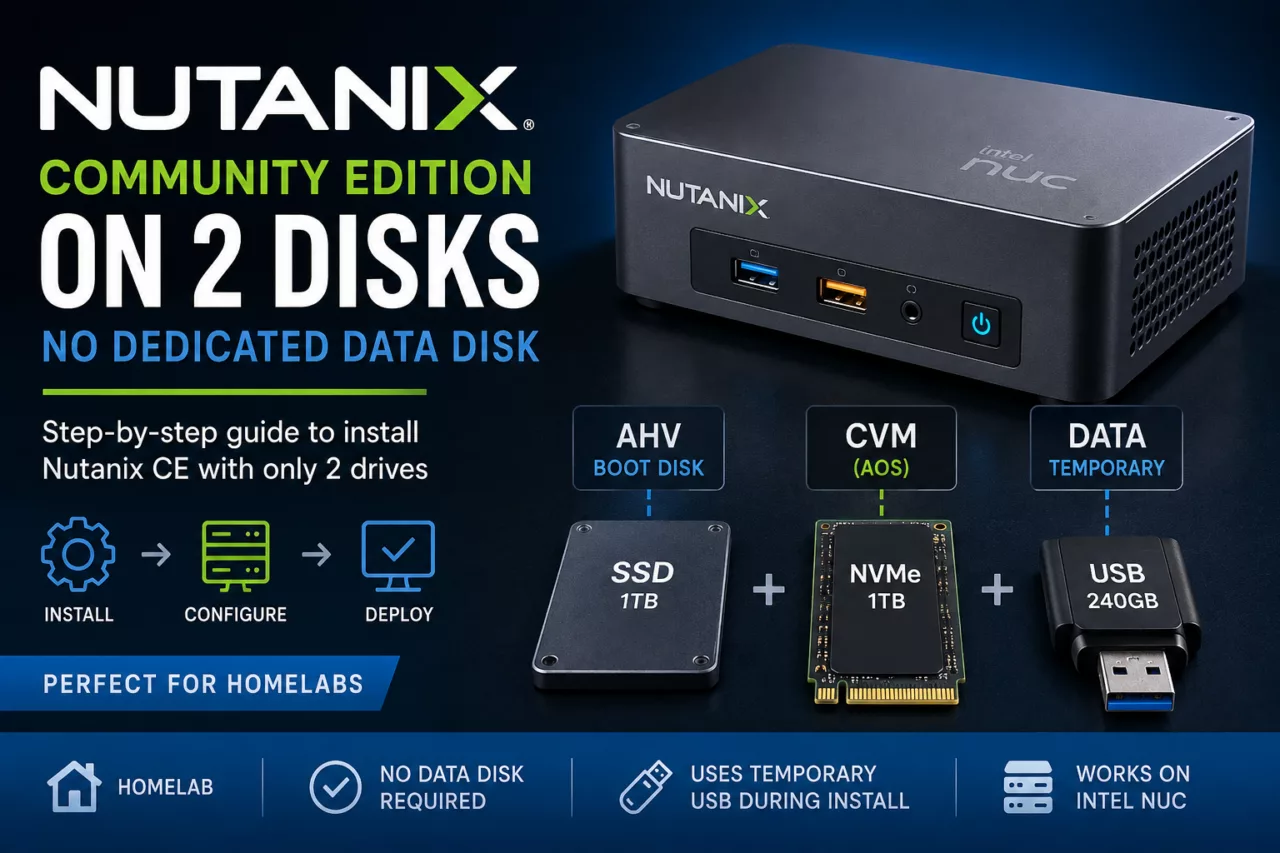
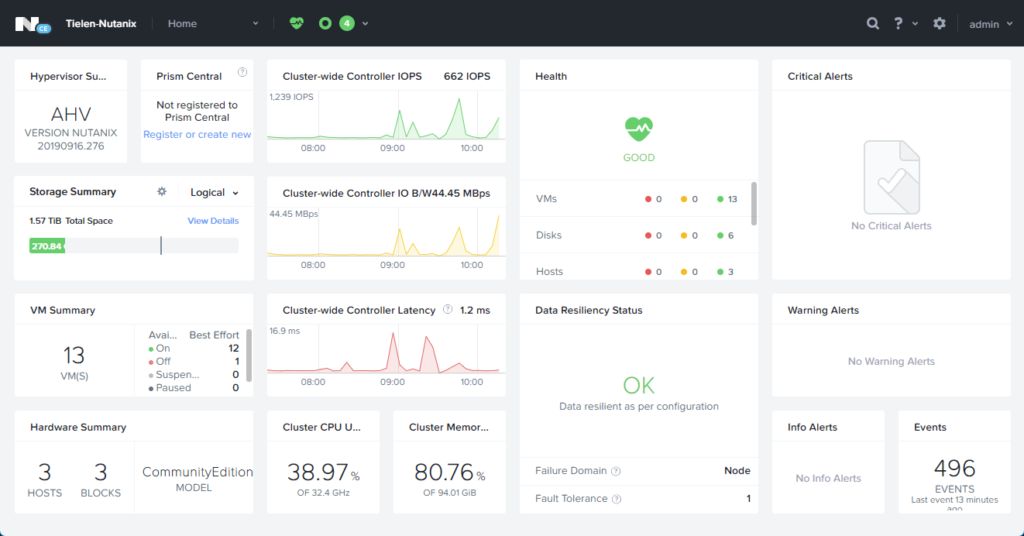
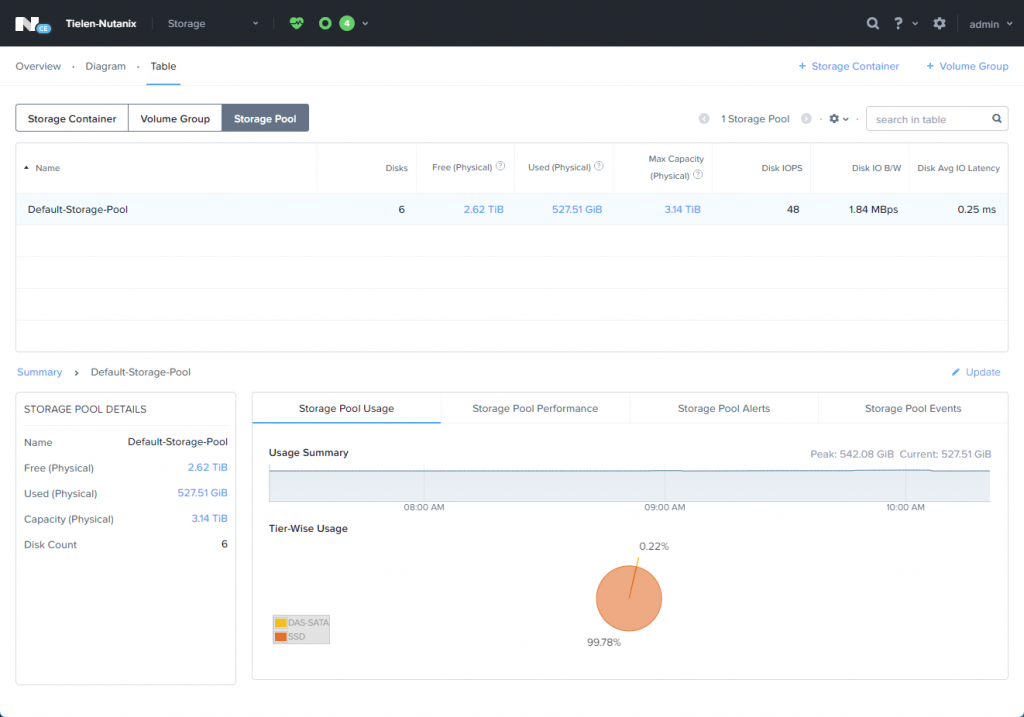
My lab is (was) running a VMware ESX cluster which I wanted te change to Nutanix Community Edition (CE). One requirement to run Nutanix is at least 2 disks. My Intel NUCs are model NUC8i7BEK and only have space for 1 NVME disk. There is an extra SATA connector available on the motherboard but I don’t want to use that because that means cutting a hole in the case and working with external power supplies.
So I decided to attach Thunderbolt drives. I bought 3 ThunderBolt NVME cases on Amazon.
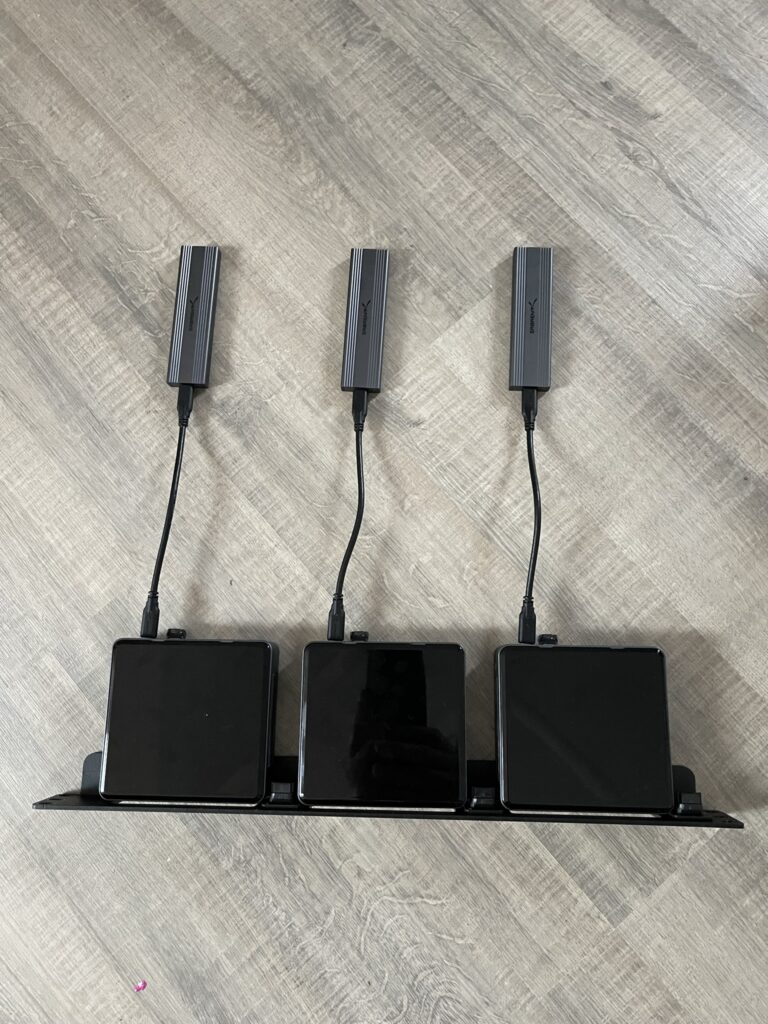
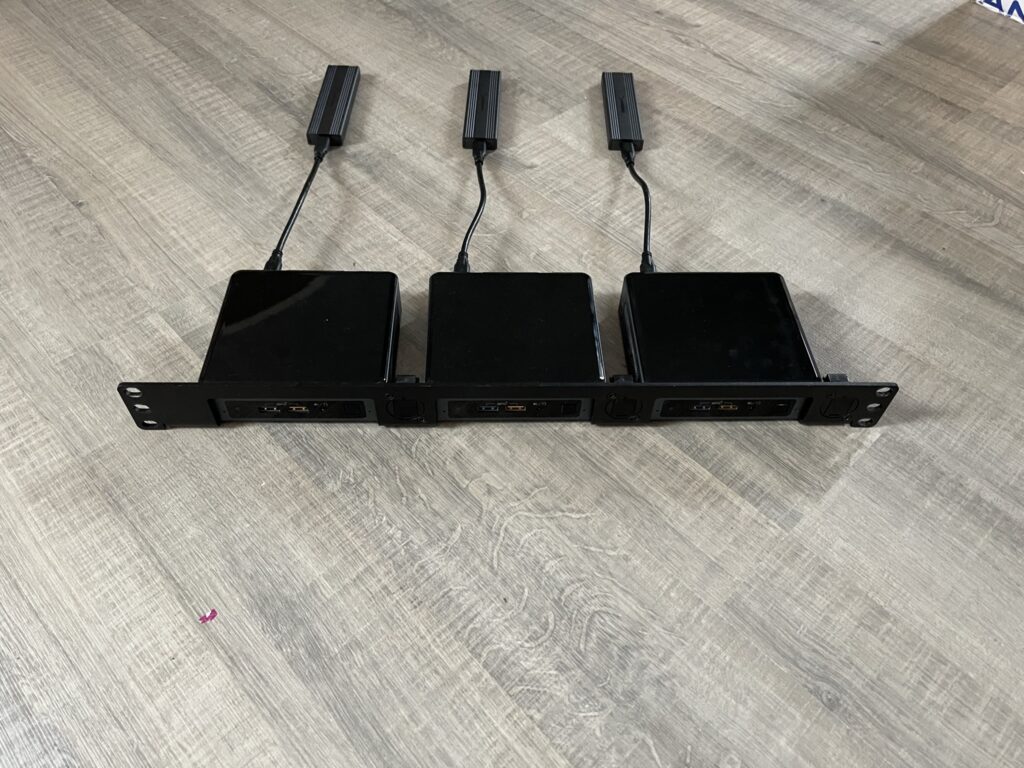
When I’m in the CE installer I did see all disks and after selecting the correct CVM, DATA en HOSTS drives the installer crashed. The error was related to USB disks 😉 No shit Sherlock. 😛
So here is the trick how to install CE on a system which has an external disk.
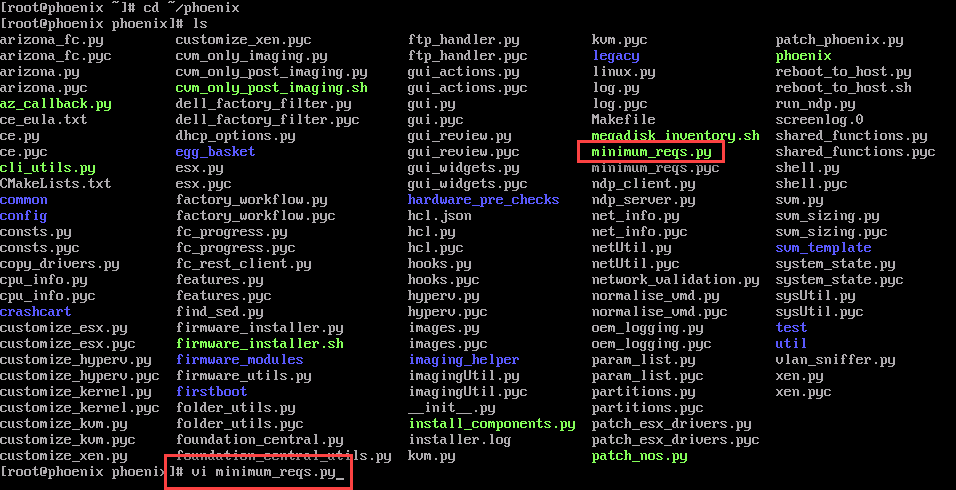
After booting into CE hit CRTL+C to break the installer. And navigate to ~/ phoenix

Now edit the minimum_reqs.py file.
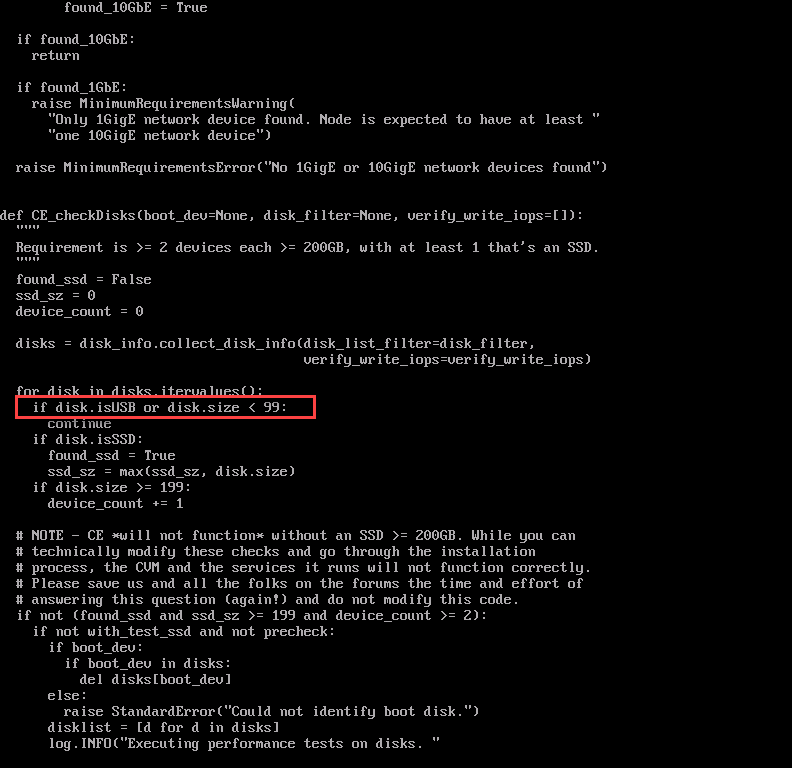
Scroll down until you see the line: if disk.isUSB or disk.size < 99;
Change that line by removing the “disk.isUSB or” part.
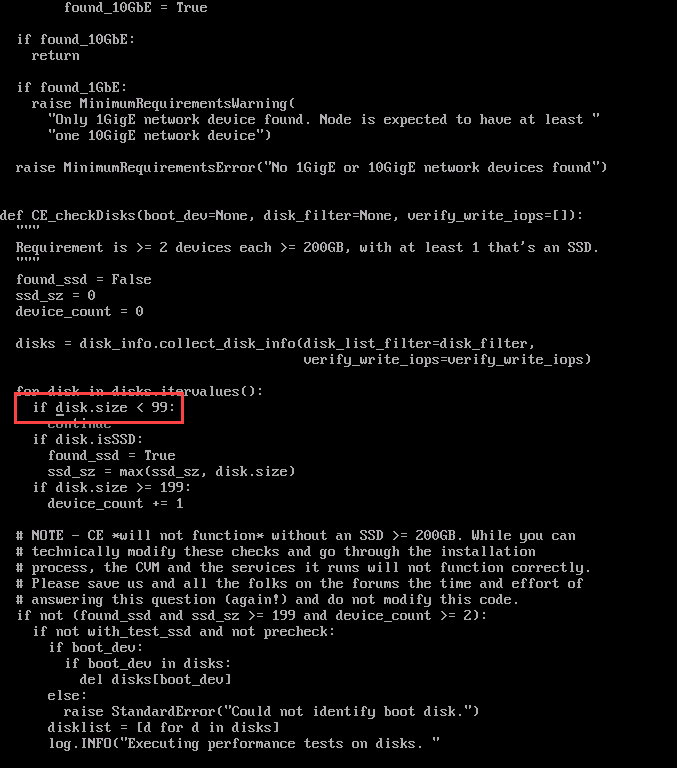
Save the file and restart the installer with command: ./ce_installer && screen -r

Now the installer will continue installing the bits.
Discover more from Jeroen Tielen
Subscribe to get the latest posts sent to your email.