When installing the Citrix Receiver you can give the following setup switch: ALLOWADDSTORE=A|N|S
- A = Always, allow adding and removing stores;
- N = Never, allow adding and removing stores;
- S = Secure (https) stores allowed.
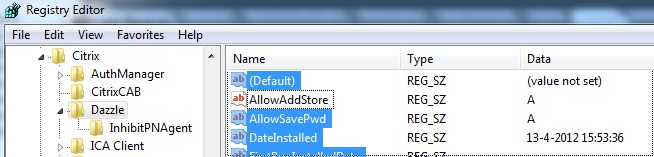
When the client is already deployed the following registry key can be changed to change this behavior:
HKLM\SOFTWARE\Woe6432Node\Citrix\Dazzle\AllowAddStore
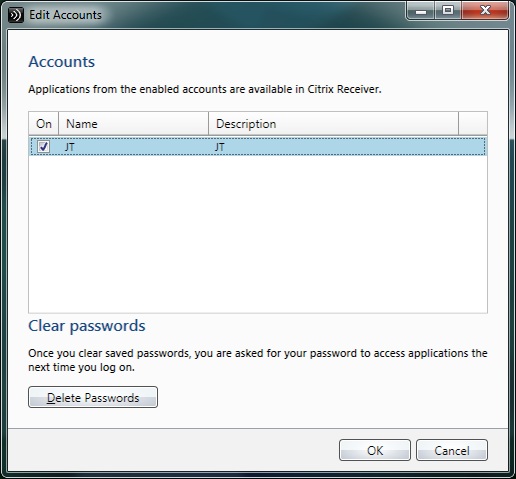
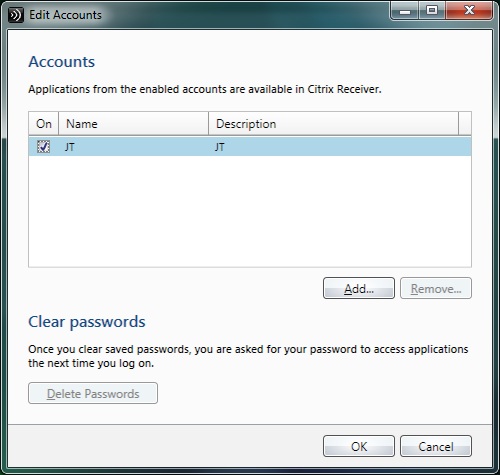
Here is what it looks like for the end user:
Not Allowed:
Allowed:
Discover more from Jeroen Tielen
Subscribe to get the latest posts sent to your email.