Nutanix
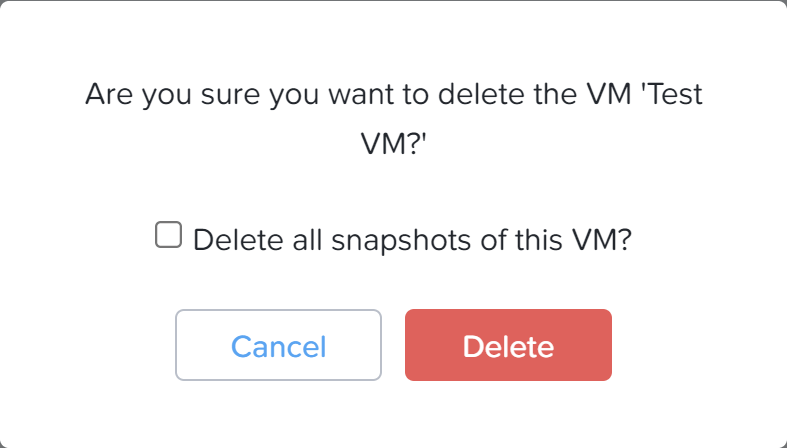
Delete VM and keep snapshots
In this blogpost Jeroen is explaining how to find, reuse and delete orphaned snapshots.
Guides, scripts and field notes on Nutanix: AOS, AHV, Prism Central, Flow, Files and everything around the platform.
In this blogpost Jeroen is explaining how to find, reuse and delete orphaned snapshots.
This PowerShell script creates a Windows ISO with VirtIO drivers included, enabling the installation of a virtual machine on Nutanix AHV. Created by Jeroen Tielen, the script checks for admin rights, installs necessary tools, and processes ISO files accordingly. A demonstration video and the script are provided.
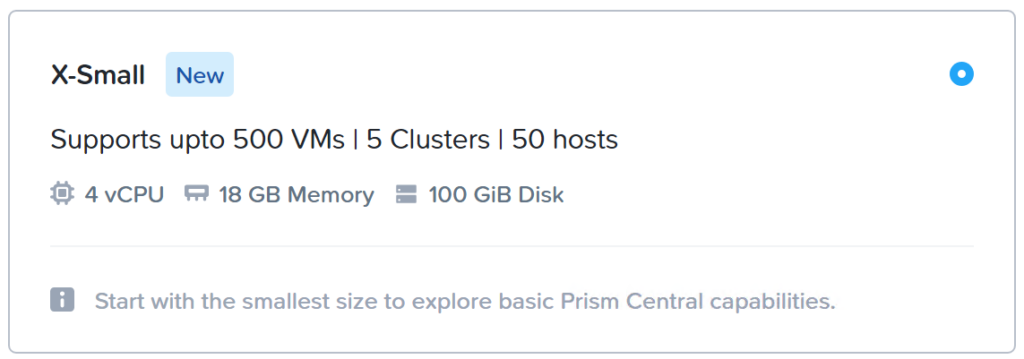
Nutanix has released AOS 6.8 (Link) and Prism Central 2024.1(Link). With this new release there is a new option to deploy a “X-Small” Prism…
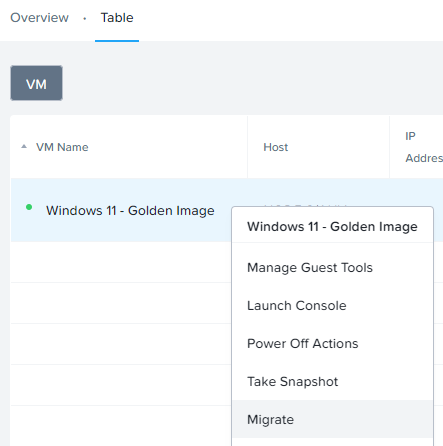
Nutanix AOS 6.8 introduces migration support for Credential Guard-enabled VMs. This guide covers creating a Windows 11 22H2 VM with Secure Boot, Credential Guard, and vTPM, tailored as a template for Citrix VDI deployments. Note: this setup requires hardware at least as recent as the Skylake generation. Key steps include VM creation in Prism Central, setting installation specifics, updates, and domain integration, culminating with a final configuration and snapshot for Citrix deployment.
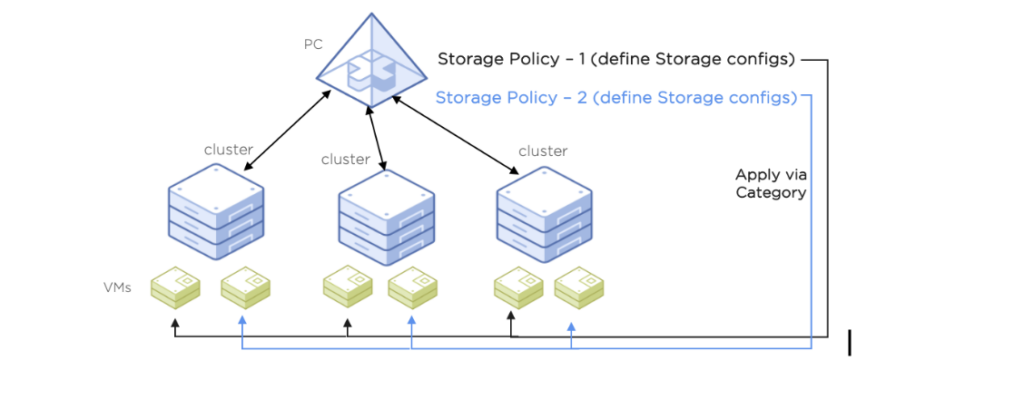
Prism Central allows configuring storage policies for virtual machines, covering settings like Replication Factor, Encryption, Compression, and I/O Performance. These policies can override container settings and are assigned to categories linked with virtual machines. The blog demonstrates limiting IOPS in a test VM to illustrate the impact of such policies, emphasizing their utility for managing performance in services like VM selling.
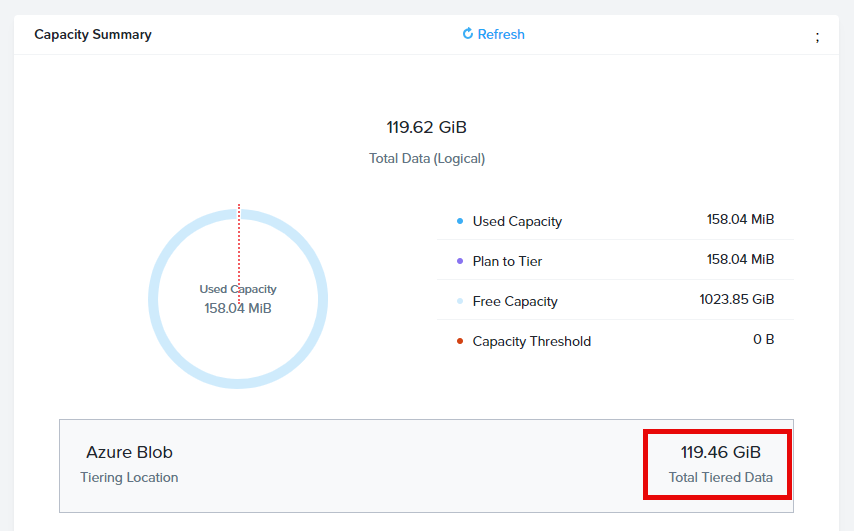
This blog post outlines the process to configure an Azure Storage Account with cold blob storage integrated with Nutanix Files for smart tiering. It describes how to offload data from the Nutanix cluster, thus freeing up resources, while clarifying that Nutanix Files licenses remain in use.
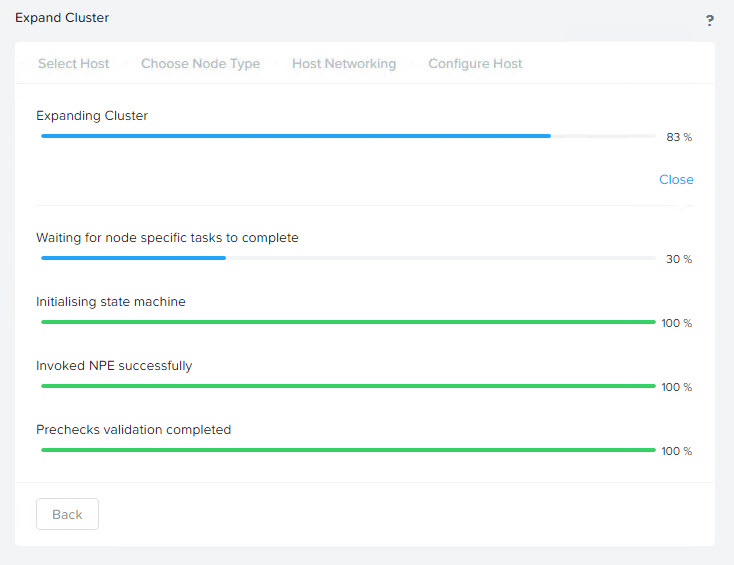
I needed to expand a cluster running Nutanix on ESX. There is a cluster expansion guide available from Nutanix which can be found here:…
This post provides a guide on setting up Prism Central (2023.4) to integrate with Microsoft Entra ID (Azure AD) for Single Sign-On (SSO) using SAML. It outlines the steps to configure SAML authentication by downloading metadata from Prism Central, creating a custom application in Microsoft Entra, assigning users or groups, uploading metadata back to Prism Central, and setting up role mapping. It also discusses limitations like the inability to add user groups to role mappings and suggests further refinements with custom claims and conditional access controls.
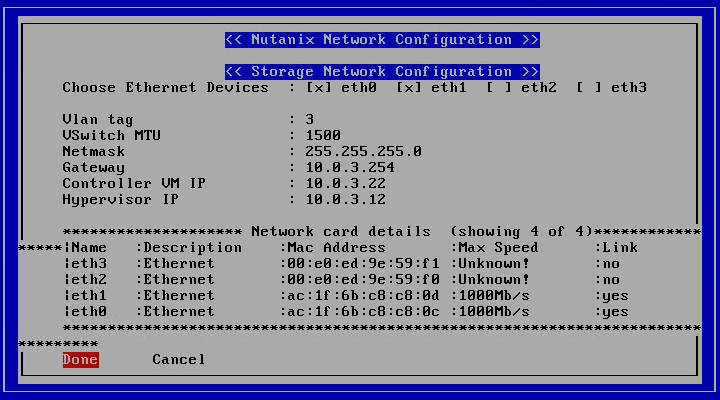
Revive old Nutanix clusters by installing Nutanix Community Edition. Document all node IP addresses and ensure proper switch connection. Use a bootable USB with MBR scheme or mount the CE installer ISO via IPMI. Select the correct disks matching the CE requirements and input the proper IP configurations during installation.
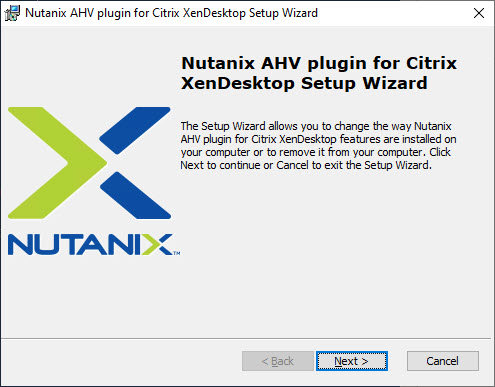
To ensure efficient shutdowns of virtual machines in SBC and VDI environments, adjust the Group Policy to disable screen sleep behaviour and edit Nutanix AHV plugin configurations for Citrix. This will enable immediate response to ACPI shutdown commands and allow for choice between soft and hard power-offs.
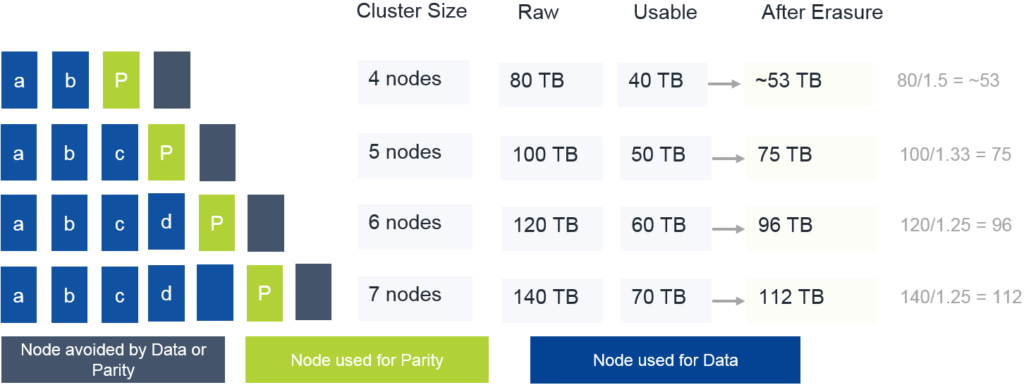
Erasure Coding in a 4-node Nutanix cluster provided a 25% data reduction in the author's lab by efficiently shrinking 'write-cold' data using storage optimization. Testing with virtual machines.